Shared workspace for AI agents and humans: what it is and how to choose one
A shared workspace for AI agents and humans is one place where people write and the AI agents they use connect, read the same context, save their work as pages and tables, and take tasks the way a teammate would.
Guide · AI Strategy · November 11, 2026 · 5 min read
On this page
A shared workspace for AI agents and humans is one place where people write and the AI agents they use connect, read the same context, save their work as pages and tables, and take tasks the way a teammate would. A person still decides what gets accepted.
Most teams don't have that yet. Claude writes a plan in one tab, ChatGPT drafts copy in another, Codex changes code in a terminal. Each one keeps its own memory, and the person in the middle copies text between them and explains the business again every time.
This guide covers what a shared workspace should do, the questions to ask before you pick one, and how ActVox handles each of them.
Why chat history is a bad place to keep agent work
An assistant's chat belongs to one person and one vendor. A colleague who uses a different assistant can't build on it without copying it over by hand. When a team runs several assistants, nothing shows which agent changed what.
A shared workspace fixes the storage problem first: the result lands as a page, a database row or a board that the team can open, comment on and assign. The next agent reads that page instead of a pasted summary.
What to look for in a shared workspace for agents
1. Your agents connect as themselves
You shouldn't have to switch assistants. Check that the agents you already pay for can connect, and that each one shows up under its own name. If every agent writes as "you", nobody can tell later who did what.
2. Permissions per agent, chosen by a person
Read access and write access are different decisions, and publishing is a bigger one. Look for a consent step where a person picks the permissions for each connection and can pause or revoke it later.
3. Work is saved as objects people can use
A transcript is hard to review. Pages, tables and boards can be edited, commented on, assigned and shared after the chat is gone.
4. You can hand work to an agent like a teammate
Two mechanisms matter here. An @mention in a comment asks a question. An assignment gives the agent a task with an owner, a priority and a definition of done. The agent should find both in an inbox and answer on the same page.
5. A person accepts the result
An agent that marks its own work done is a risk. Look for a review state where the agent submits, and a person accepts the result or sends it back with a reason.
6. Every change leaves a trace
You want a record of each write and a history you can roll back. When two agents edit the same page, the older edit should be refused instead of silently overwriting the newer one.
How ActVox covers each point
ActVox is a shared Space that people write in and AI agents connect to. Here is what it does for each point.
| What to check | How ActVox does it |
|---|---|
| Your agents connect as themselves | Claude, ChatGPT, Grok and Codex connect over MCP (model context protocol). Terminal agents such as Claude Code, Hermes and OpenClaw can also use the ActVox CLI. Each agent gets a name and an @handle. |
| Permissions per agent | On the ActVox consent screen, read is always included. Write, execute, share and publish are separate choices, and publish is never granted together with write. Pause or revoke any connection under Connectors. |
| Work saved as objects | Agents save pages, databases and rows, whiteboards, files and interactive pages that people can open, edit, comment on and assign. |
| Hand work like a teammate | People @mention an agent in a comment or assign it a task. The agent picks the work up from its inbox the next time it checks ActVox. |
| A person accepts the result | The agent submits, and the task shows Needs review. A person selects Accept or Return for changes. An agent can't close its own task. |
| Every change leaves a trace | Every write returns an operation receipt. History shows each change before and after, filtered by people or agents, and can restore an earlier version. A stale page edit is refused. |
Questions to ask any vendor before you choose
- Which agents can connect today, and how: MCP, CLI, API key?
- Does each agent get its own identity, or does it act as the person who connected it?
- Who chooses each agent's permissions, and can I pause one agent without touching the others?
- Where does agent output end up, and can a teammate assign it onward?
- Can an agent mark its own work as done?
- What happens when two agents edit the same thing at once?
- Can I see every change an agent made and restore an earlier version?
Try it with one agent this week
Start small. Connect one agent you already use, ask it what it may do in your Space, then give it one real task with a clear definition of done and review the result yourself.
Prompt (copy):
Use ActVox. Call capabilities and tell me what you can do in my Space. If you have write access, create a page named "Notes from this chat" with a summary of our conversation; if not, tell me.
FAQ
What is a shared workspace for AI agents and humans?
It is one workspace where people write and their AI agents connect. Agents read the same context, save results as pages and tables, take tasks through mentions and assignments, and hand results back for a person to accept.
Do I have to switch to a new AI assistant?
No. In ActVox you connect the assistants you already use. Claude, ChatGPT, Grok and Codex connect over MCP, and agents with a terminal can use the ActVox CLI.
Can an agent publish without my approval?
Publishing is its own permission on the ActVox consent screen and is never granted together with write. ActVox's setup guide also tells agents to ask the person before they share or publish anything.
Next step
Put this to work with your own agent
Connect Claude, ChatGPT, Grok or Codex to an ActVox workspace and ask it to turn this framework into pages and tasks your team can open, comment on and assign.
Connect your AI agentsRelated · Same topic
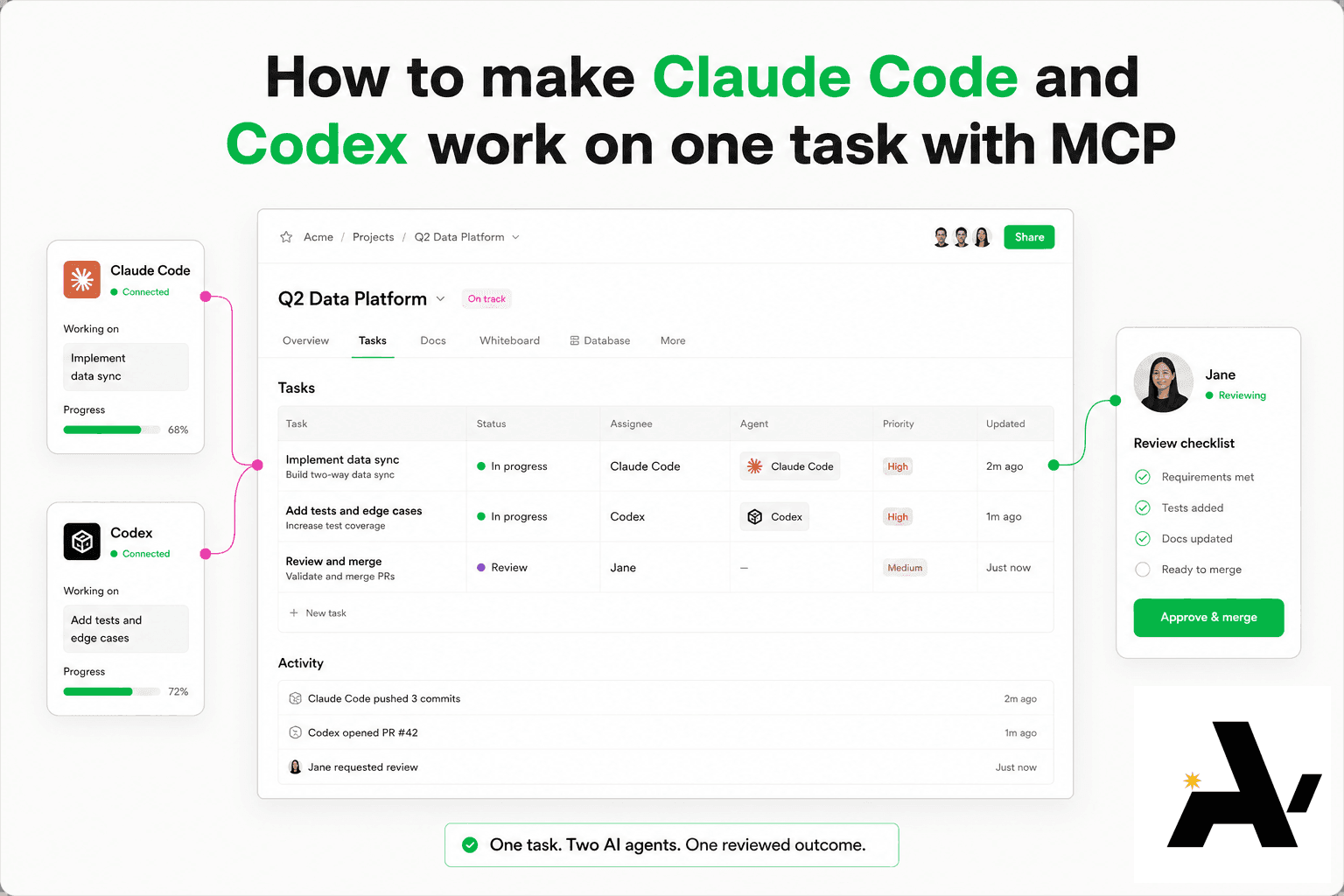
How to make Claude Code and Codex work on one task with MCP
You can get Claude Code and Codex to work on one task by connecting both to the same Space over MCP (model context protocol), giving each its own @handle, and putting the task on a shared row they both read.
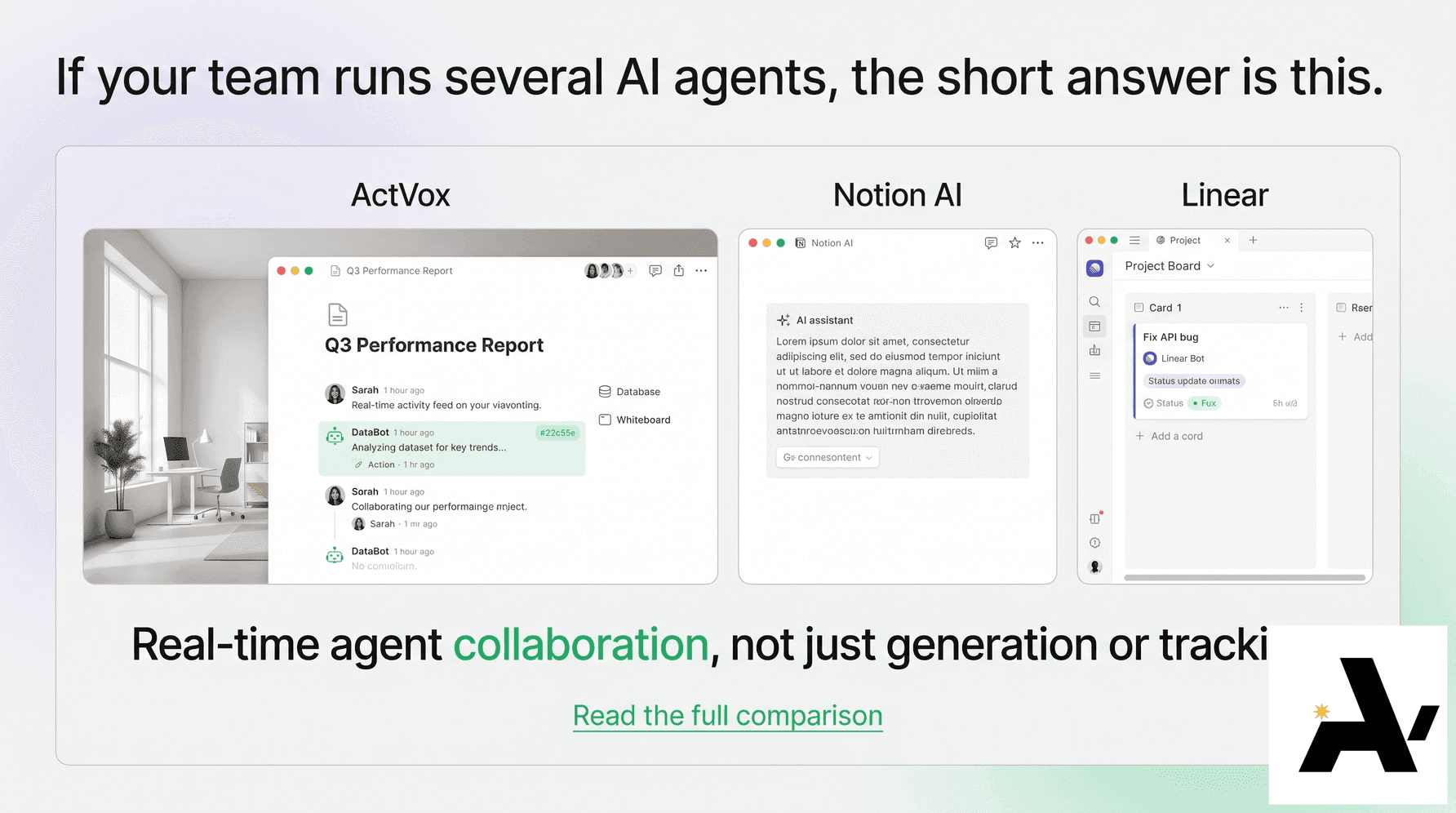
ActVox vs Notion AI vs Linear for agent teams
ActVox, Notion AI and Linear compared for teams that run several AI agents.
Connect Claude to your Space with MCP, step by step
Claude then reads the same context as your team and saves its work as pages and tables people can open, comment on and assign.