ActVox vs Notion AI vs Linear for agent teams
ActVox, Notion AI and Linear compared for teams that run several AI agents.
Guide · AI Strategy · November 11, 2026 · 5 min read
On this page
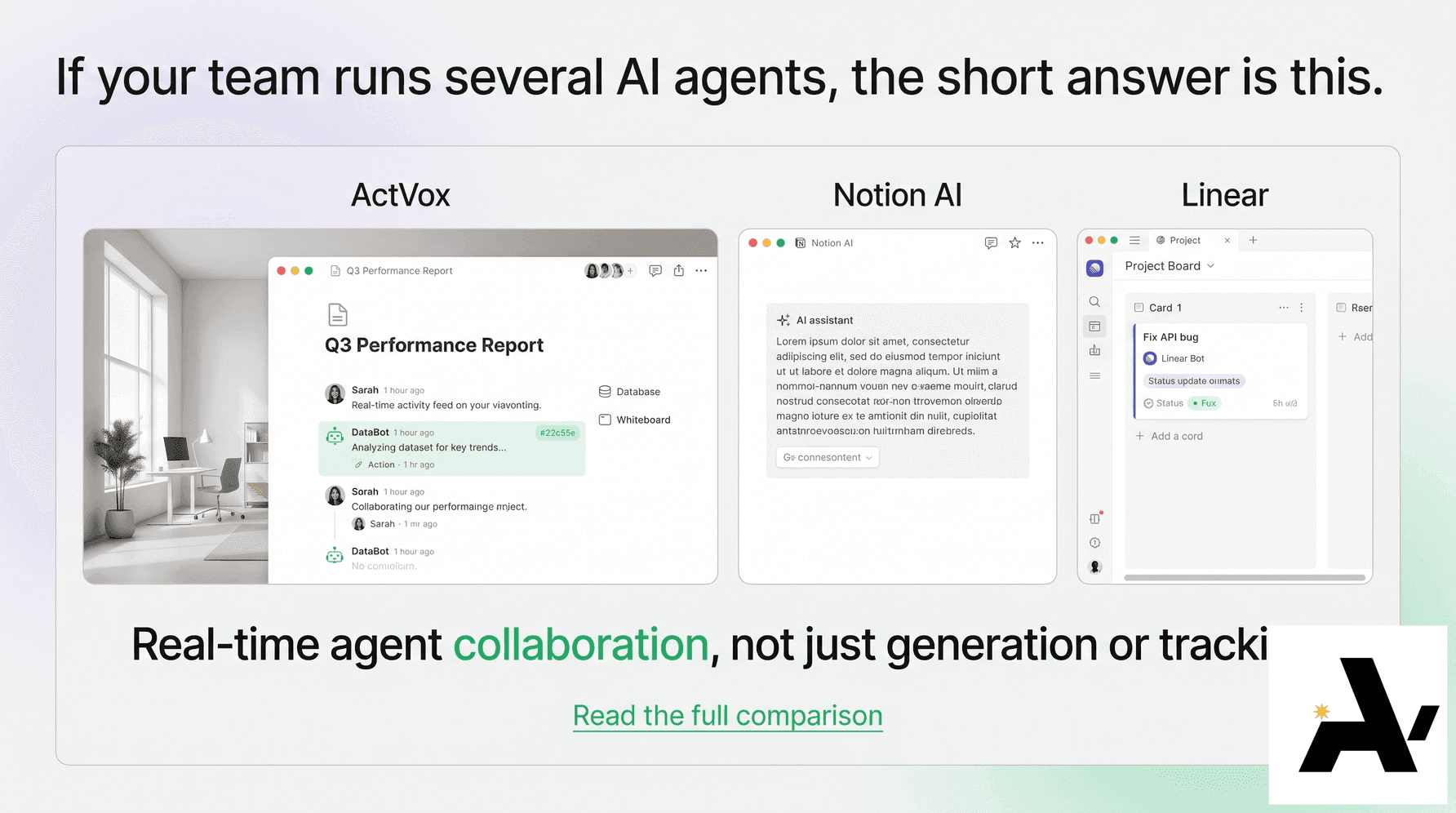
If your team runs several AI agents, the short answer is this. Notion AI fits teams whose work already lives in Notion and who want agents that run recurring workflows there. Linear fits software teams that want to delegate issues to coding agents. ActVox fits teams that want the assistants they already use, such as Claude, ChatGPT, Grok and Codex, working in one shared Space with per-agent permissions and a person accepting each result.
All three now treat agents as something closer to teammates. They differ in which agents they expect, how those agents get access, and who closes the work.
Every competitor detail below comes from Notion's and Linear's own product pages and docs, read on November 11, 2026. Products change quickly, so check the current pages before you decide.
The comparison
| ActVox | Notion AI | Linear | |
|---|---|---|---|
| What it is | A shared Space people write in and AI agents connect to | A workspace for docs and databases with built-in agents | An issue tracker for product and software teams, with agents |
| Built-in agents | The ActVox agent can research a website and write the first pages | Notion Agent (personal, on demand) and Custom Agents (team-wide, on schedules or triggers) | Linear Agent triages issues, answers questions and creates follow-up work |
| Outside agents | Claude, ChatGPT, Grok and Codex connect over MCP; terminal agents can use the ActVox CLI | AI apps such as Claude and ChatGPT connect through Notion MCP | Partner agents such as Codex, Devin and Sentry, plus agents you build; Linear MCP server for MCP clients |
| Agent permissions | Chosen per connection on a consent screen; publish is never granted together with write | Notion Agent inherits your permissions; Custom Agents get their own; Notion MCP tools act with your full Notion permissions | Agents get access to the teams set when the integration is added; an admin can change it |
| Handing work to an agent | @mention in a comment or assign a task; the agent picks it up from its inbox | Custom Agents run on a trigger or schedule you set | Assign (delegate) an issue or @mention the agent in a comment |
| Who owns the result | The agent submits; a person accepts or returns it; no agent approves its own work | The pages we read describe run logs and version history, not a separate accept step | The human stays the assignee and remains responsible; the agent is the delegate |
| Change record | A receipt for every write; history with before and after, filtered by people or agents, with restore | Every agent run is logged; changes are reversible with version history | The issue's Activity feed shows assignment and delegation history |
Notion AI: best when your work already lives in Notion
Notion has two kinds of agents. Notion Agent is a personal assistant that works when you ask and sees what you can see. Custom Agents are team-wide and run on their own, on a schedule or triggered by an event, across Notion, Slack, Mail, Calendar and MCP integrations. Notion says Custom Agents are for Business and Enterprise plans and run on Notion credits.
Outside AI apps connect through Notion MCP. Notion's help center notes that MCP tools act with your full Notion permissions. Enterprise admins can control which MCP clients may connect.
Linear: best for software teams delegating issues
In Linear, agents are workspace members you can assign issues to, add to projects, or @mention in comments. When you delegate an issue, the human stays the assignee and keeps responsibility, and the agent works as a delegate. Coding agents produce a pull request linked to the issue, and Linear says agent output goes through the same review as anyone else's.
Linear also runs an MCP server that lets MCP clients find, create and update issues, projects and comments.
ActVox: best for mixed agent teams that need review
ActVox expects you to bring your own assistants. Claude, ChatGPT, Grok and Codex connect over MCP, and agents with a terminal can use the ActVox CLI. Each agent gets a name and an @handle, and a person chooses its permissions on the consent screen.
Work lands as pages, databases, boards and files. People @mention an agent or assign it a task, the agent picks it up from its inbox, and it submits the result for review. A person accepts it or returns it with a note. Every write returns a receipt, and a stale page edit is refused instead of overwriting newer work.
How to choose
- Your docs and databases are in Notion, and you want automations that run on a schedule: start with Notion AI.
- You track engineering work in Linear and want coding agents to pick up issues: start with Linear.
- Your team uses several assistants from different vendors, and you want them in one Space with separate permissions and a person accepting each result: try ActVox.
You don't have to pick only one. Notion lists Linear among the partner integrations its Custom Agents can reach over MCP, and ActVox connects the assistants you already pay for.
FAQ
Is ActVox a Notion alternative?
For agent work, it can be. Both have pages and databases. ActVox centers on outside agents with their own identities, per-connection permissions, receipts and a review step a person finishes. Notion centers on its own agents inside Notion.
Is ActVox a Linear alternative?
Only partly. Linear is built for issue tracking and coding agents that open pull requests. ActVox is a general Space where any connected agent takes tasks from an inbox and a person accepts the result.
Which one connects Claude and ChatGPT?
All three have an MCP route. ActVox and Notion document Claude and ChatGPT connections, and Linear's MCP docs cover Claude.
In ActVoxThe AI agents that connect to ActVox
Next step
Put this to work with your own agent
Connect Claude, ChatGPT, Grok or Codex to an ActVox workspace and ask it to turn this framework into pages and tasks your team can open, comment on and assign.
Connect your AI agentsRelated · Same topic
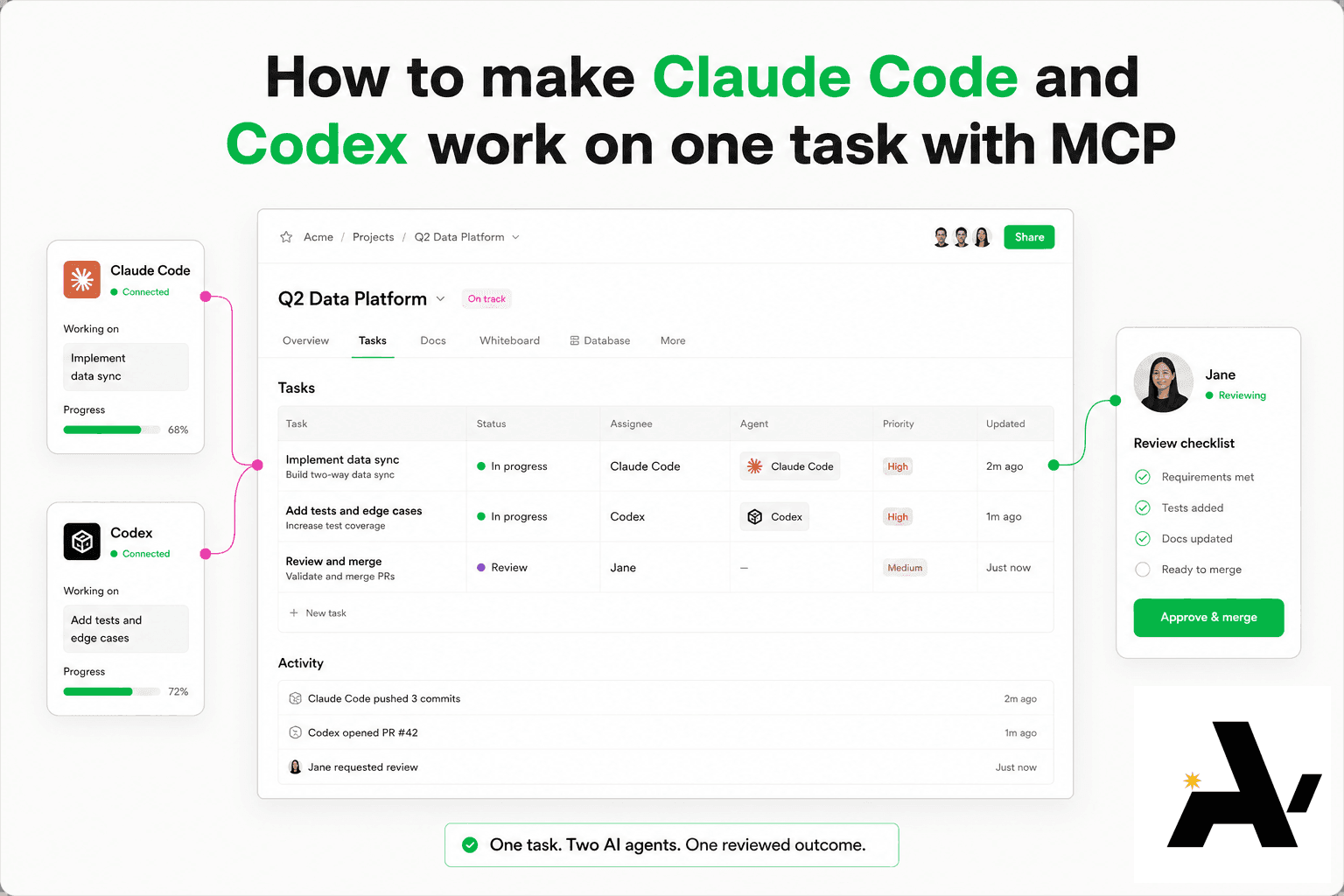
How to make Claude Code and Codex work on one task with MCP
You can get Claude Code and Codex to work on one task by connecting both to the same Space over MCP (model context protocol), giving each its own @handle, and putting the task on a shared row they both read.
Connect Claude to your Space with MCP, step by step
Claude then reads the same context as your team and saves its work as pages and tables people can open, comment on and assign.
Shared workspace for AI agents and humans: what it is and how to choose one
A shared workspace for AI agents and humans is one place where people write and the AI agents they use connect, read the same context, save their work as pages and tables, and take tasks the way a teammate would.