Guide · AI Strategy
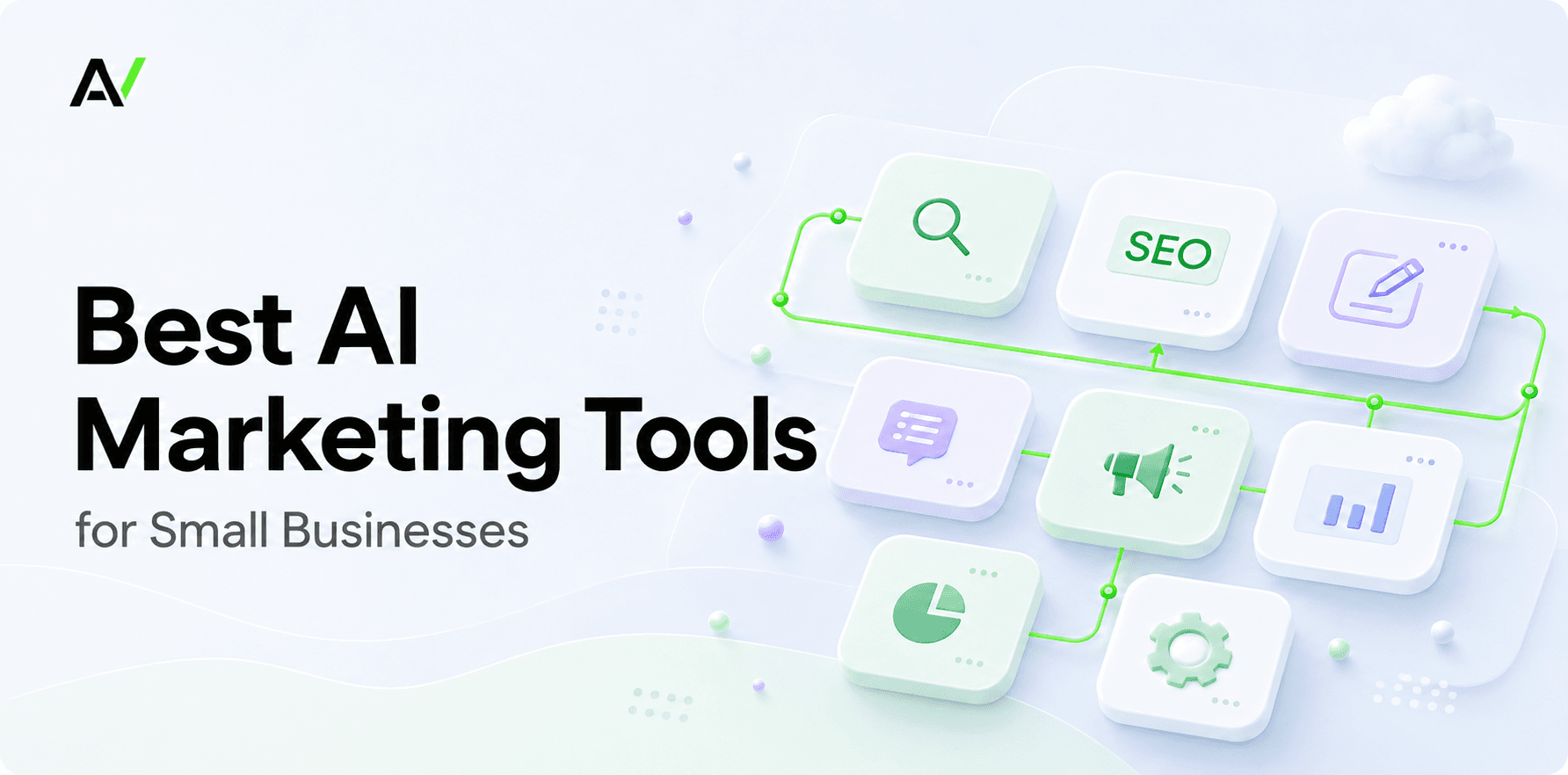
Best AI Marketing Tools for Small Businesses
A practical guide to choosing AI tools for strategy, SEO, content, social media, CRM, and automation.
September 3, 2026 · 9 min read
On this page
Article · AI Strategy
The best AI marketing tools for small businesses solve a real bottleneck: knowing what to fix, creating credible content, producing visuals, following up with leads, or automating repeatable work. Do not buy a stack of 15 subscriptions. Start with the constraint that costs you the most time or revenue. For businesses that need strategy and execution in one place, ActVox turns a business URL into SEO, AI-search, competitor, social, local, and content priorities then helps turn them into work your team can ship.
Tools serve different jobs: competitor research, service pages, visual assets, lead follow-up, and CRM handoffs. A writing assistant cannot replace strategy, and automation cannot repair a broken process.
“Best” depends on the constraint. Keep the stack small, give it an owner, and run a weekly marketing rhythm.
What makes an AI marketing tool worth paying for?
Use five filters:
- A clear job: It solves a repeatable weekly problem.
- Quality after review: A person verifies facts and brand voice.
- Fast value: A lean team can use it without a long implementation.
- Workflow fit: It reduces duplicate work and handoffs.
- Measurable impact: Tie it to a business outcome or time saved.
Do not buy separate research, SEO, copywriting, social, design, CRM, and reporting tools before deciding who will run them. A small, owned stack beats a dashboard no one opens.
Best AI marketing tools at a glance
- ActVox — Strategy-to-execution marketing workflow. Choose it when you need to turn a URL audit into prioritized SEO, AI visibility, competitor, social, and content actions. Watch-out: it is a strategy layer, not a replacement for every specialist CRM or design tool.
- HubSpot — CRM-led marketing and lead nurture. Choose it when your marketing, sales, and customer data need to work together. Watch-out: it can be more infrastructure than a very early-stage business needs.
- Semrush — SEO research and search visibility. Choose it when you need keyword, competitor, content, and search-performance data. Watch-out: data still needs a human decision about what to do first.
- Canva Magic Studio — Visual content production. Choose it when approved ideas are waiting on design capacity. Watch-out: it creates assets; it does not create your strategy.
- Buffer — Social publishing consistency. Choose it when you have ideas but struggle to adapt and schedule them across channels. Watch-out: scheduling weak content faster is not a strategy.
- Zapier — Repeatable marketing automation. Choose it when leads, forms, spreadsheets, and follow-up tasks are falling through gaps. Watch-out: automate a clear process, not a messy one.
Plans change; verify them before buying.
1. ActVox: best for deciding what to work on first
Many small businesses lack direction rather than content tools. They know they should improve SEO, social posts, AI-answer visibility, and competitor monitoring without knowing what matters this week.
ActVox closes that gap. It evaluates a business URL across SEO, AEO/AI-search readiness, competitors, local discovery, social visibility, and content gaps, then turns findings into strategy, concepts, platform native drafts, and execution work. Choose it when you need to turn “we should do more marketing” into the next page, campaign, or buyer question to ship.
2. HubSpot: best for CRM-led marketing
HubSpot fits when your bottleneck starts after someone shows interest. Its marketing software brings together lead generation, forms, workflows, campaigns, customer data, and AI capabilities. HubSpot’s marketing overview describes its focus on lead generation, automation, and organized data.
Choose it for CRM-connected lead capture, nurture sequences, pipeline visibility, and a shared customer record. A CRM alone will not resolve an unclear message or priority page.
3. Semrush: best for SEO research and monitoring
Semrush fits when search is already an important acquisition channel and you need research depth. Its platform covers brand visibility across search channels, while its Content Toolkit combines AI writing with real-time SEO data. Semrush’s platform overview and Content Toolkit page explain these capabilities.
Choose Semrush for keyword research, competitor analysis, position tracking, backlinks, content opportunities, and visibility monitoring. Its limitation is deciding which action comes first. Pair it with a clear plan rather than treating a long opportunity list as strategy.
4. Canva: best for branded visual content
Canva helps when visual production is the slowest part of your workflow. Magic Design can generate editable directions from a prompt or media and apply brand styles, helping a team turn approved ideas into social graphics, presentations, and campaign assets. Canva’s Magic Design guide explains the feature.
Choose Canva after you know the message and audience. It executes ideas; it does not decide which buyer question deserves a carousel, landing page, or campaign.
5. Buffer: best for social publishing discipline
Buffer’s AI Assistant helps users brainstorm, rewrite, and adapt posts for social platforms. It helps a business with a clear plan turn ideas into a consistent publishing cadence.
Use it to repurpose an approved article, case study, or customer question into channel-appropriate posts, then schedule them. Do not turn a vague topic into generic captions. Social consistency needs a clear point of view and useful source material.
6. Zapier: best for repeatable automation
Zapier fits when the process is clear but manual steps are missed. Its marketing automation tools connect apps and use AI-driven workflows to capture, organize, and act on lead touchpoints. Zapier’s marketing solution outlines these uses.
Start with one workflow: route form submissions to the CRM, alert the team, create a follow-up task, or add a qualified lead to a nurture sequence. Automate only after deciding which signals and actions matter.
A practical AI marketing stack for a small business
Start with strategy, not production:
- Diagnose priorities — Marketing intelligence and strategy workspace — ActVox
- Research and optimize search — SEO suite — Semrush
- Create visuals and adapt assets — Design platform — Canva
- Publish and follow up — Social scheduler, CRM, and automation — Buffer, HubSpot, Zapier
Run a weekly loop: update priorities, choose one high-value buyer question or page gap, create one useful page or campaign asset, repurpose it for social, publish, measure, and use evidence to select the next priority.
If you do not know where to begin, start with diagnosis. If strategy is clear but assets are slow, use a creation tool. If leads disappear after arrival, prioritize CRM and automation.
How to choose your first tool
Ask four questions:
- What marketing task do we repeatedly delay?
- What information is missing before we can make a decision?
- Who will own this tool each week?
- What result would make this worthwhile within 60 to 90 days?
The best AI tools make a small business more focused, not more busy. Choose the few that remove the current constraint, preserve human judgment, and make research-to-results easier to run. For teams connecting audit findings to SEO, AI visibility, content planning, and execution, ActVox provides a strategy layer that holds the workflow together.
In ActVoxMarketing workflows for small and medium businesses
Next step
Put this to work with your own agent
Connect Claude, ChatGPT, Grok or Codex to an ActVox workspace and ask it to turn this framework into pages and tasks your team can open, comment on and assign.
Connect your AI agentsRelated · Same topic
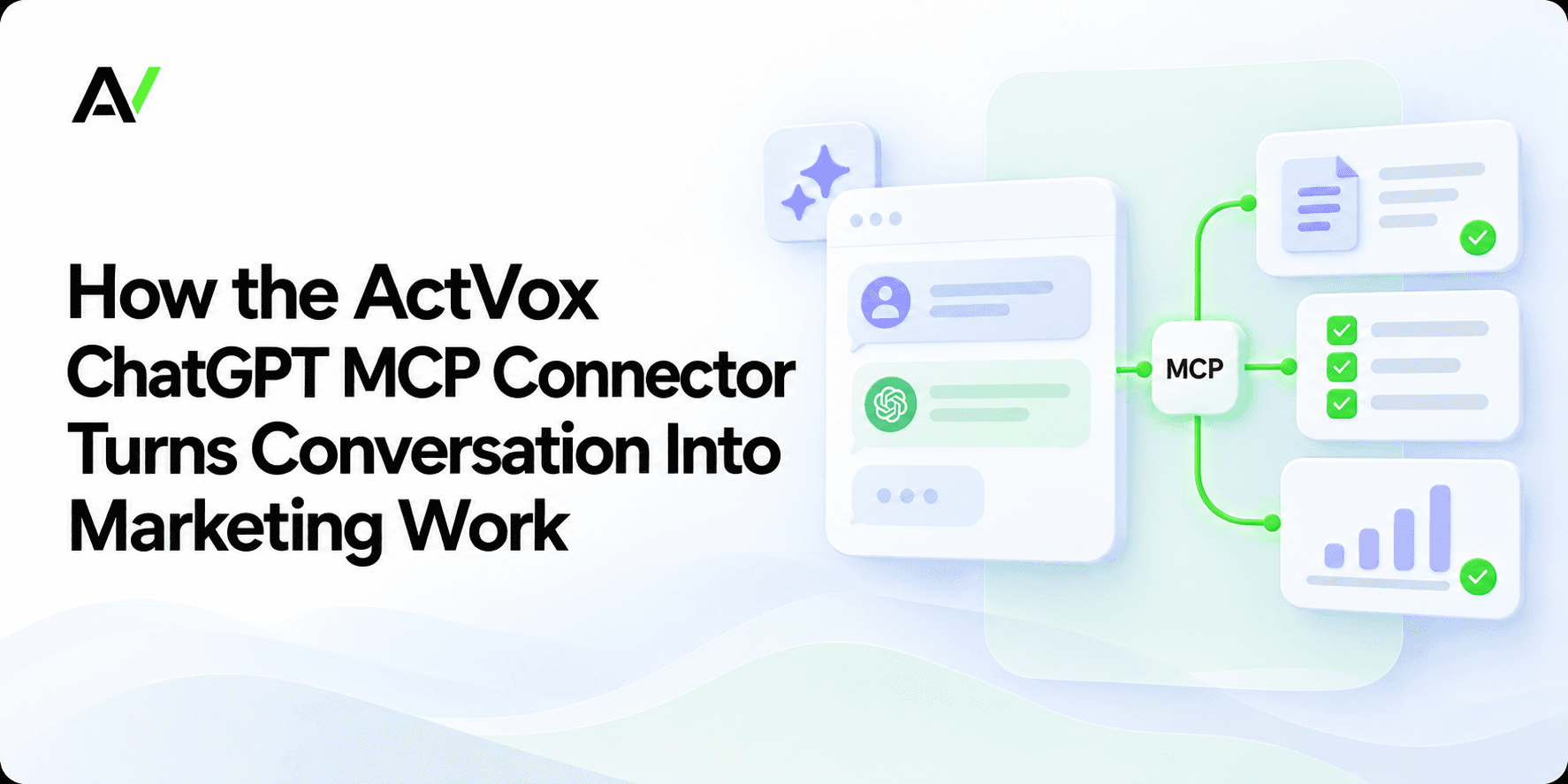
How the ActVox ChatGPT MCP Connector Turns Conversation Into Marketing Work
A connected workflow for moving from a ChatGPT question to grounded, reviewable work in ActVox.
Marketing in the Age of AI: How the Marketer Role Is Changing
AI is changing marketing from asset production to evidence, judgment and connected execution. Learn the skills and systems that matter now.
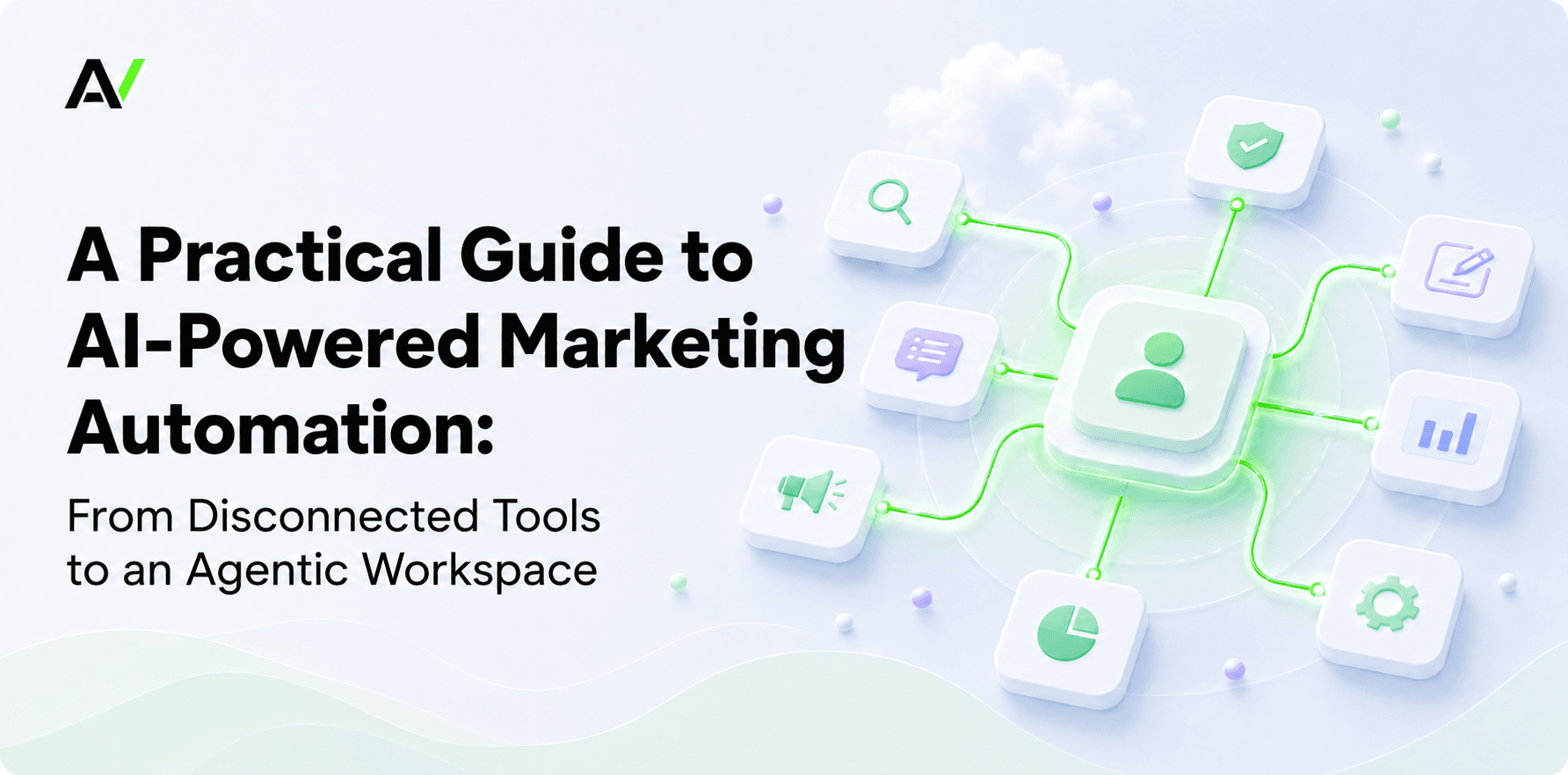
A Practical Guide to AI-Powered Marketing Automation: From Disconnected Tools to an Agentic Workspace
Peak martech has not reduced the marketing workload. It has exposed how much time small teams lose between tools. This guide explains how SMBs can use AI-powered automation to connect research, strategy, content, approvals, and measurement without removing human control.